

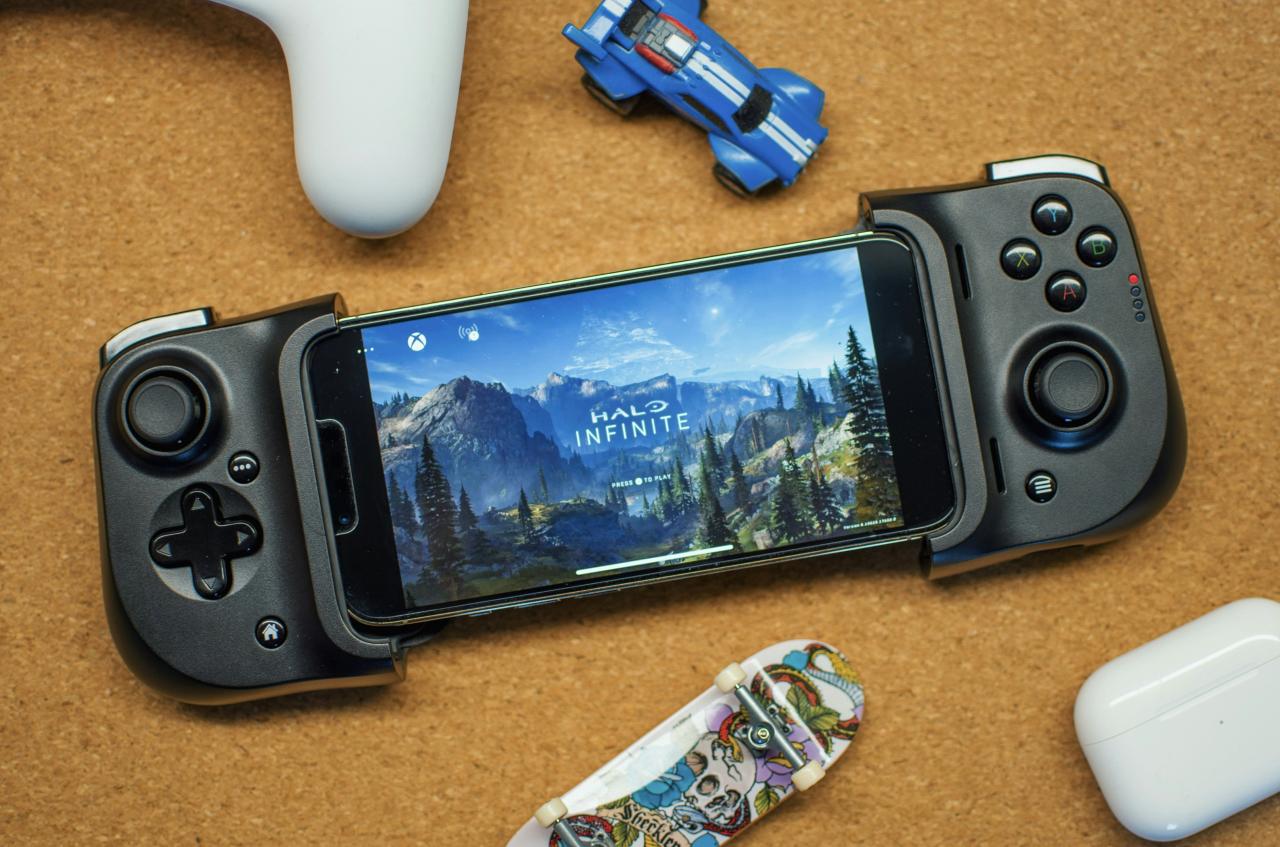
The digital landscape of competitive mobile gaming is currently witnessing a massive transformation as players push the boundaries of what touchscreens can achieve. For many decades, serious gamers viewed physical controllers and mechanical keyboards as the only viable tools for professional-grade precision and high-level play.
We are now entering a breathtaking era where elite mobile athletes prove that optimized touch controls can rival or even surpass traditional input methods. This evolution means that the barrier between casual play and professional performance has shifted toward your ability to customize your digital interface perfectly.
Modern mobile titles now offer incredible depth in their settings, allowing you to manipulate every button and sensitivity slider to fit your unique hand size. By understanding the mechanics of touch optimization, you can significantly enhance your reaction speeds and overall accuracy in any high-stakes competitive environment.
This article explores the essential pillars of touch control mastery and how these technical adjustments are fundamentally changing the professional gaming scene forever.
You will discover the practical secrets that turn a standard mobile screen into a powerful engine for digital dominance and personal glory. Let us explore the best path toward a more rewarding gaming life through the power of elite control engineering and tactical screen management.
Transitioning To The Advanced Claw Grip Layout
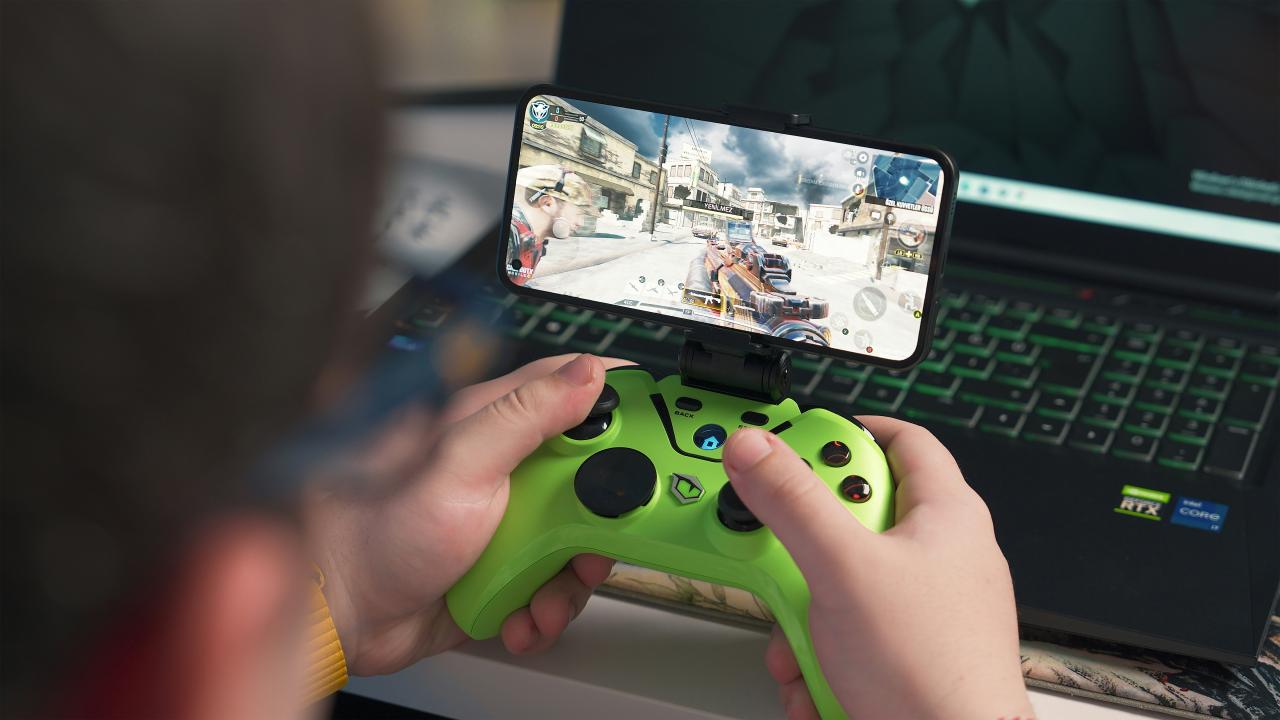
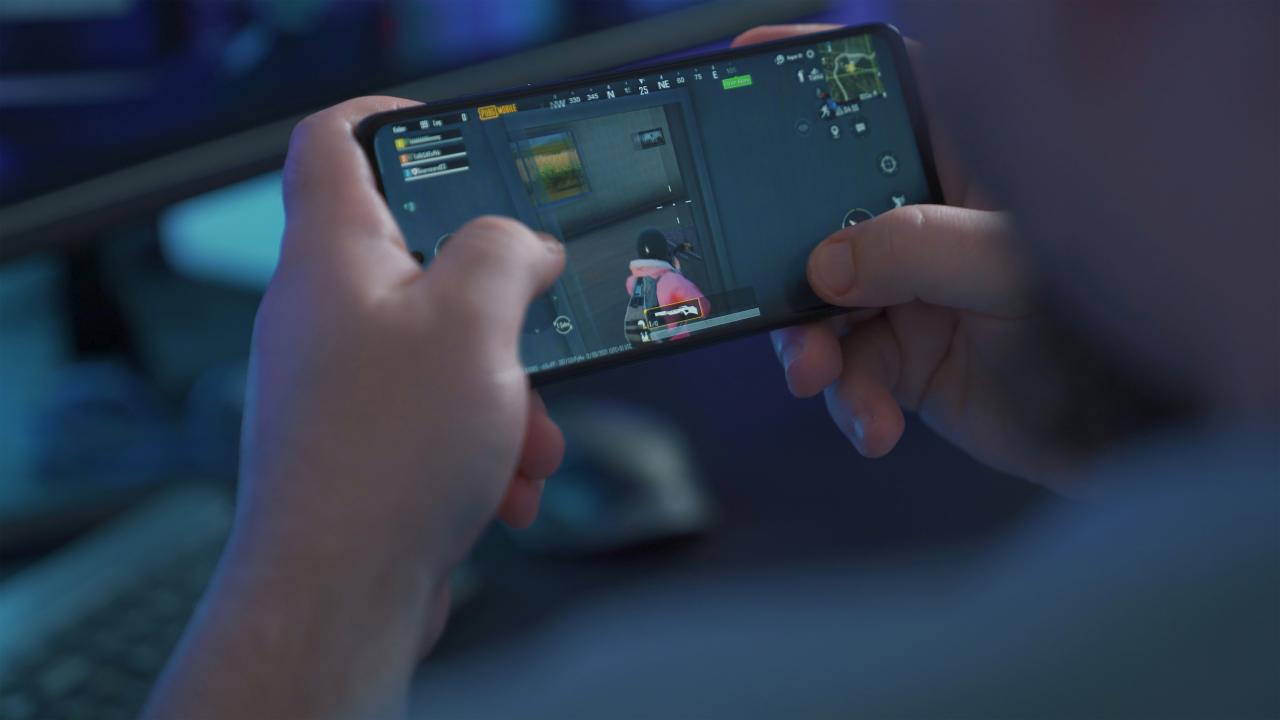
The primary advantage of professional touch controls lies in the adoption of a multi-finger layout, commonly known in the community as the “claw” grip. In the past, most players used only their two thumbs to handle all movement, aiming, and action buttons, which severely limited their mechanical potential.
Now, elite competitors use four, five, or even six fingers simultaneously by curving their index and middle fingers over the top of the device screen.
This creates a powerful level of dexterity where you can jump, aim, and shoot all at the exact same time without any delay. It is a fundamental shift toward “simultaneous input” where your movement becomes fluid and your combat effectiveness reaches its absolute peak performance.
A. Implementing a four-finger layout where the left index finger handles shooting while the right index finger manages utility or jumping actions.
B. Utilizing the thumbs exclusively for smooth character movement and precise camera aiming to ensure consistent tracking of moving enemy targets.
C. Achieving a significant reduction in reaction time by placing critical buttons directly under the resting position of your primary fingers.
D. Leveraging the extra surface area of tablet screens to expand the distance between buttons, which prevents accidental misclicks during high-pressure match moments.
The biggest problem for many beginners is the “physical discomfort” and hand cramps that occur when first trying to hold a device in a claw position. You solve this “muscle memory barrier” by gradually increasing your finger count over several weeks rather than trying to jump to a six-finger layout overnight.
Think of your hands as professional athletes; they need proper training and stretching to handle the new demands of high-level touch interaction effectively. When you master the art of the claw grip, you find that your ceiling for mechanical skill becomes virtually limitless in any competitive title.
Perfecting Sensitivity Scales And Acceleration Curves
Once you have a solid physical layout, you must fine-tune your software sensitivity to match your natural reflexes and the size of your device. In the past, many players simply used the default “Medium” settings, which are often too slow for reactive flick shots or too fast for steady tracking.
Now, professional players spend hours in the practice range adjusting their “X” and “Y” axis speeds to find the perfect balance for their unique playstyle. This ensures that your crosshair moves exactly where you want it to go, whether you are making a massive 180-degree turn or a tiny adjustment.
It is a strategic move to “synchronize the software” by ensuring the game reacts perfectly to the physical distance your finger travels across the glass.
A. Tracking your “Camera Sensitivity” to ensure you can look around the environment quickly without losing your sense of orientation or target focus.
B. Evaluating your “ADS Sensitivity” or Aim Down Sights speed to guarantee that your tracking stays sticky and accurate when using high-powered optics.
C. Identifying the benefits of “Fixed Speed” versus “Acceleration” settings, where fixed speed provides more consistent muscle memory for most professional competitors.
D. Utilizing individual sensitivity sliders for different weapon categories to account for the unique recoil patterns and movement speeds of each firearm.
The challenge for many enthusiasts is the “consistency gap” where their aim feels different every day because they keep changing their settings in search of perfection. You solve this “adjustment trap” by picking a sensitivity that feels close to correct and refusing to change it for at least one full week of play.
Think of your sensitivity settings as the tuning of a professional musical instrument; once you find the right pitch, you must practice with it to perform. When you balance technical precision with steady muscle memory, you gain a massive advantage over opponents who are constantly fighting their own settings.
The Power Of Haptic Feedback And Visual Cues
A major hurdle for touch controls is the lack of physical resistance that you would normally find on a mechanical controller or a keyboard button. In the past, this led to “input uncertainty” where players weren’t always sure if their touch actually registered during the chaos of a heavy team fight.
Now, modern smartphones offer high-fidelity haptic engines that provide a subtle vibration every time you tap a button or successfully land a shot on an enemy.
This provides a vital “tactical loop” where your brain receives instant confirmation that your action was successful, allowing you to move to the next task immediately. It is a move to “digitize the feel” of the game by replacing physical keys with sophisticated vibration patterns and visual highlights.
A. Utilizing haptic feedback to confirm successful weapon reloads or ability activations without needing to look away from the center of the screen.
B. Tracking the “Button Highlight” settings that provide a visual flash whenever your finger makes contact with a specific part of the user interface.
C. Identifying the benefits of “Audio Cues” that work in tandem with touch feedback to create a multisensory experience for better situational awareness.
D. Leveraging the “3D Touch” or pressure-sensitive features of high-end screens to trigger different actions based on how hard you press the glass.
The problem for many purists is the “sensory overload” that occurs when too many vibrations or flashes happen simultaneously during a match. You solve this “distraction barrier” by turning off non-essential haptics and focusing only on the feedback that directly impacts your tactical decision-making process.
Think of haptic feedback as a professional coach whispering in your ear; it should provide helpful tips without becoming a loud and annoying distraction. When you embrace the power of sensory confirmation, you find that your confidence in the server grows because you always know your inputs are working.
Optimizing The HUD For Maximum Visibility
Your Heads-Up Display or HUD is the map of your digital world, and its layout can either help or hinder your ability to see the actual game. In the past, mobile games featured massive, opaque buttons that blocked large portions of the screen, leading to “blind spots” where enemies could hide easily.
Now, professional players use the “Opacity” and “Scale” settings to make their buttons nearly transparent once they have memorized their physical locations.
This ensures that you have a clear, unobstructed view of the battlefield while still having full access to all your necessary combat tools and utility items. It is a proactive way to “clear the vision” by removing any digital clutter that doesn’t contribute to your victory or your survival.
A. Analyzing the placement of the “Mini-Map” and “Kill Feed” to ensure they are close enough to your line of sight without blocking your peripheral vision.
B. Utilizing the “Floating Joystick” versus “Fixed Joystick” settings to find the movement style that feels most responsive for your specific thumb movements.
C. Identifying the best location for the “Reload” and “Weapon Swap” buttons to ensure they don’t interfere with your primary aiming and shooting zones.
D. Leveraging the “Custom HUD” profiles to create different layouts for different game modes, such as a simpler interface for battle royale versus search and destroy.
Many players struggle with “cluttered screens” where they try to keep every single button at 100% visibility because they are afraid of forgetting where they are. You solve this “visual barrier” by lowering the opacity by 10% every few days until the buttons are barely visible shadows on the glass.
Think of your HUD as a professional workspace; it should be clean, organized, and focused only on the tools you are currently using to win. When you prioritize visibility alongside accessibility, you create a gaming experience that feels much more immersive and far less cluttered than a standard casual setup.
Conclusion
Strategic ergonomic orchestration creates true sovereignty by replacing basic interactions with high-performance tactile engines. Assigning missions to every custom button mapping helps prevent interface friction from dictating your competitive strategy.
This disciplined approach ensures your manual infrastructure remains an efficient and powerful victory asset. Auditing your sensory feedback and monitoring professional grip techniques allows you to reclaim operational control.
Strategic display scaling ensures your technical ecosystem acts as a fortress against visual interference shifts. This logical framework provides the stability needed for a high-performance lifestyle. Building for the future requires executing your mechanical plans with unwavering and total confidence.
Sophisticated haptic systems transform your physical precision into a permanent freedom engine. Long-term excellence starts with the structural decisions you make right now. The future of architecture is defined by the systems you build.